Adjust the solar panel in AR
Scan the ground, place the complete sign, then drag just the solar panel to check its bearing and tilt.
Loading the installation model…
Set true-north reference
Hold the phone flat in portrait. Set local magnetic declination to use the compass, or point the top of the phone toward known true north.
Set the reference away from steel poles and vehicles.
Sign placement
Use a printed marker instead
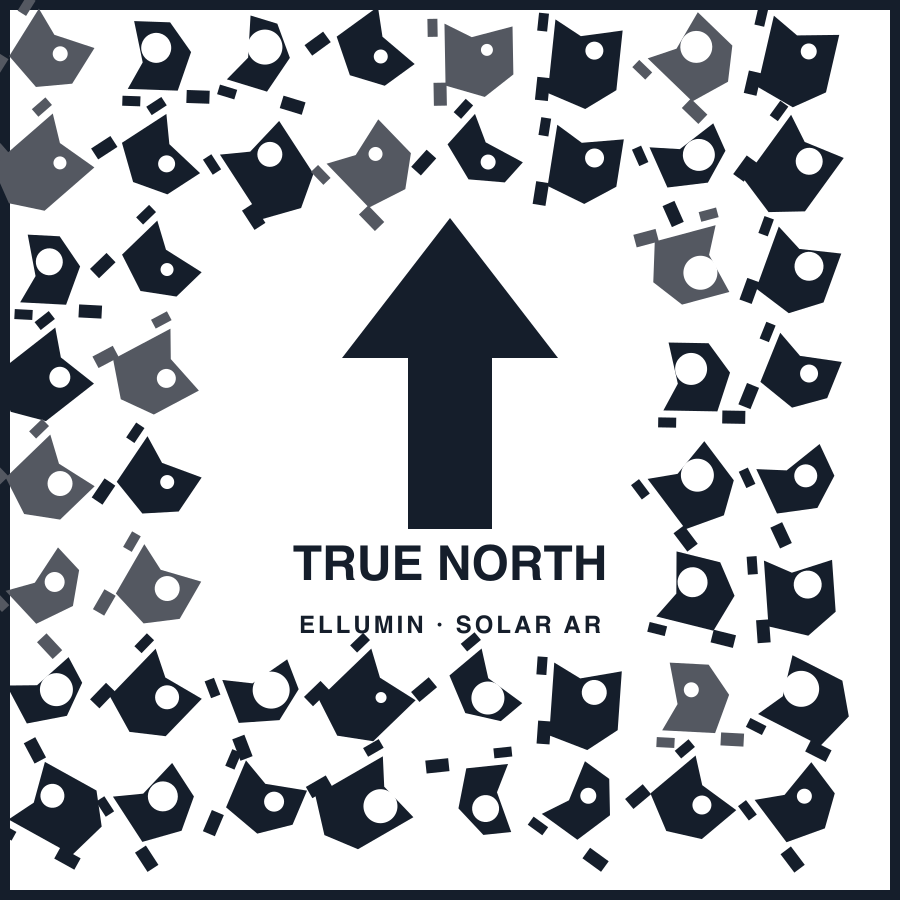
Print the marker or open the image on a second screen. Lay it flat where the pole should stand, with the arrow pointing to true north. Keep it in view as you adjust the panel.
The print layout uses a 180 mm square. Measure the printed or displayed square if it is scaled. A larger marker helps when stepping back to fit the full sign in view.
Target for the solar panel
Example target. Enter a site target or use the solar calculator.
Back to productSID-001-M EU · AR ground marker · Print at actual size (180 mm square)
The AR model shows a proposed panel pose. Confirm bracket limits and the installed panel angle on site. iPhone tracking uses the 8th Wall XR Engine. © 2026 Niantic Spatial, Inc. Engine license and disclaimers